
A Comprehensive Lensa AI Review – Features, Pricing & Best Alternatives
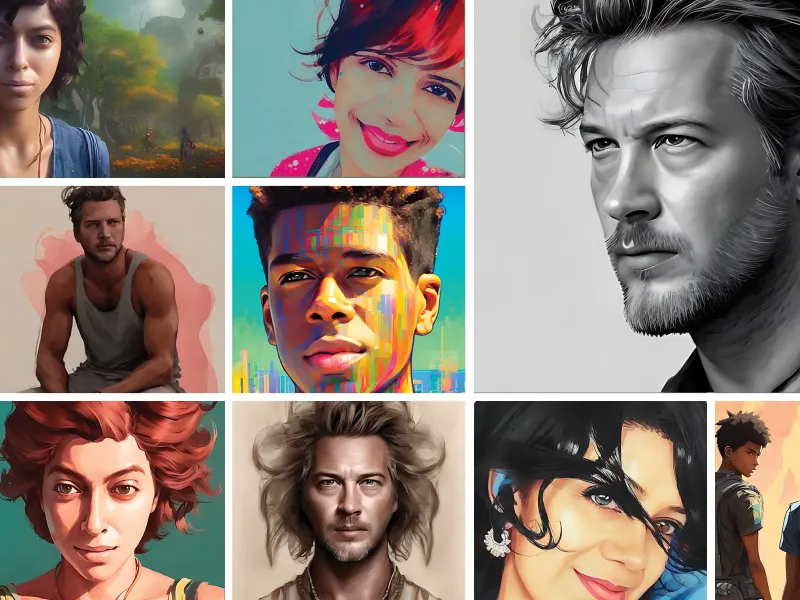
Introduction Think all photo editing apps are the same? Think again. Lensa AI has been making waves in the photo editing world, and for good reason. Whether you’ve seen your friends posting jaw-dropping AI-generated avatars or just want to give your selfies a creative edge, Lensa has become the go-to for many users. But is it worth the hype? This detailed review dives deep into what makes Lensa unique, what it offers, and whether it’s the right fit for you. From expert curation to Magic Avatars, we’ll cover everything you need to know. What is Lensa AI? Lensa AI is an advanced photo editing and retouching app that uses artificial intelligence to enhance and transform images. Launched in 2018 by Prisma Labs, the app quickly caught global attention for its ability to create "Magic Avatars" and improve selfies with effortless, high-quality edits.At its core, Lensa is a versatile image editing tool that can: Retouch selfies Remove imperfections Adjust facial features Generate AI-powered portraits and avatars It’s available for both photos and videos, adding extra versatility for users with diverse editing needs. Who Created Lensa? Lensa is a creation of Prisma Labs, the company behind the wildly popular Prisma app launched in 2016. Prisma gained attention for turning photos into digital art pieces styled after famous artists like Picasso or Van Gogh. Building on that success, Prisma Labs launched Lensa, integrating cutting-edge AI to revolutionize how we edit and enhance images. Unlike its predecessor, which focused on artistic transformations, Lensa offers a broader range of editing tools while maintaining its unique AI capabilities. Key Benefits of Using Lensa AI Discover what sets Lensa AI apart from ordinary photo editing apps—its unique features and powerful AI capabilities redefine how we enhance and transform our images. 1. Magic Avatars Lensa’s most talked-about feature is its Magic Avatars. Upload 10-20 selfies, and Lensa generates artistic, AI-inspired versions in various styles. You can look like a superhero, fantasy character, or even a vintage portrait—all within minutes. 2. Advanced Retouching With Lensa, you can enhance your photos without looking overly edited. The AI removes blemishes, smooths skin, and adjusts facial features while keeping the results natural and realistic. 3. Background Removal Remove or replace backgrounds in a few clicks, making your photos look professional without needing Photoshop-level skills. 4. AI-Driven Enhancements From lighting adjustments to virtual makeup, Lensa elevates your selfies into refined, share-worthy images. 5. User-Friendly Interface Despite its powerful features, Lensa is incredibly easy to use, making it accessible for everyone—from photography enthusiasts to first-time editors. Lensa AI Pricing Plans Lensa AI is free to download, but accessing its features comes with a cost: Annual Plan: $29.99/year Includes access to all photo and video editing tools. A free 7-day trial is also available. Magic Avatar Pack: Starting at $7.99 for 50 avatars The Magic Avatar feature requires additional payment due to its intensive computation needs. While the app is a bit pricey compared to its competitors, many users believe the unique Magic Avatars and seamless editing justify the cost. Pros and Cons of Lensa AI Pros Cons Powerful AI features that simplify photo editing No free editing plan beyond the 7-day trial Extremely easy-to-use interface Requires 10+ selfies for Magic Avatars, which discourages casual users Produces natural and realistic retouching results Privacy concerns over data storage and usage Offers Magic Avatars, an innovative feature loved globally Includes a free trial to test its features Who Should Use Lensa AI Wondering if Lensa AI is the right fit for you? This versatile app caters to a diverse audience, offering something special for everyone. Let's explore who can benefit most from its innovative features. Social Media Enthusiasts – Take their online presence to the next level with Lensa AI, transforming ordinary selfies into stunning visuals and unique avatars that effortlessly capture attention and make every post truly unforgettable. Content Creators – For content creators, Lensa AI is a game-changer, simplifying the editing process and enabling you to produce professional-quality photos and videos in less time, so you can focus on what you do best—creating and sharing compelling content. Digital Artists & Designers – Lensa AI empowers digital artists and designers with groundbreaking tools like Magic Avatars and advanced filters, unlocking endless possibilities to enhance their creative projects and bring their visions to life with ease. Anyone Curious About AI – Lensa AI offers an inviting and exciting opportunity to explore the latest advancements in AI-driven photo editing, making it easy for anyone to experience the future of innovation firsthand. How to Use Lensa AI: Step-by-Step Tutorial 1. Download the App Begin your Lensa AI journey by downloading the app. It’s available for iOS users on the App Store and Android users on Google Play. Just a few clicks, and you're ready to get started! 2. Set Up Your Account Once installed, sign up to create your account. Activate the free 7-day trial to explore the app’s premium features without commitment. This is your chance to unlock Lensa’s full potential and see what it can do for you. 3. Upload Your Selfies To generate Magic Avatars, carefully select and upload 10-20 clear selfies. Make sure the photos include a variety of poses and lighting conditions to ensure the best results. The better the selfies, the more striking your avatars will be. 4. Edit Your Photos Explore the intuitive editing tools Lensa offers. Use features like background blur for depth, lighting adjustments to perfect your image, and retouching tools for a polished look. These tools make photo editing simple and impactful. 5. Generate Magic Avatars Here's where the real magic happens! Choose your favorite avatar styles from a diverse selection. Lensa’s AI gets to work, transforming your selfies into unique, personalized avatars that reflect your personality and style. 6. Save and Share Once your Magic Avatars are ready, download them directly to your device. Share your creations with friends and followers on social media or use them in any way you like. Lensa makes it easy to showcase your artistic side. Now you’re all set to use Lensa AI like a pro. From photo edits to personalized Magic Avatars, this app offers endless possibilities to express your creativity! Top 3 Lensa AI Alternatives Compared 1. PicsArt Strengths: With an impressive array of editing features—like stickers, overlays, and blending modes—paired with a thriving social component, PicsArt showcases its versatility and fosters creativity within a connected and collaborative community. Best For: Content creators who want advanced editing with a community-focused platform. Free Option? Yes, limited features are available for free. 2. FaceApp Strengths: Renowned for its fun and innovative features, this platform excels with aging and gender-swapping filters, while also offering tools like background changes and virtual makeup—perfect for anyone eager to explore and push the boundaries of creative experimentation. Best For: Playful photo transformations and experimenting with unique effects. Free Option? Yes, with optional in-app purchases. 3. Prisma Strengths: Celebrated for its ability to turn ordinary photos into stunning digital art inspired by renowned artists, this platform offers an exceptional suite of premium filters—perfect for anyone looking to elevate their creativity with high-quality, artful transformations. Best For: Those who want artistic, painting-style photo edits. Free Option? No, requires a subscription. Frequently Asked Questions About Lensa AI 1. Is Lensa AI free? The app is free to download, but editing features require a $29.99 annual subscription. 2. Are Magic Avatars worth it? If you love unique, personal AI-generated images, Magic Avatars are definitely worth trying. 3. How is Lensa different from other apps? Unlike other photo editors, Lensa combines AI-powered features with user-friendly design to create both realistic edits and artistic avatars. Final Verdict on Lensa AI Lensa AI is a cutting-edge app that offers incredible photo editing capabilities and one-of-a-kind Magic Avatars. While its pricing may not suit everyone, its ease of use and standout features make it popular among social media enthusiasts and photo editors alike. Privacy concerns aside, Lensa remains one of the top apps in its niche. If you haven’t tried it yet, start with the 7-day free trial to see if it fits your needs. Want to create amazing avatars or perfect your selfies? Lensa AI might be the app you’ve been looking for.
AI Business Productivity
Read More >>
Julius AI vs ChatGPT: The Ultimate Comparison

Pika vs Kling: The Best AI Video Generators in 2025

Magic School AI Review: Upgrade Teaching with AI-Powered Tools

Jobscan Review: Can It Really Help You Land a Job?
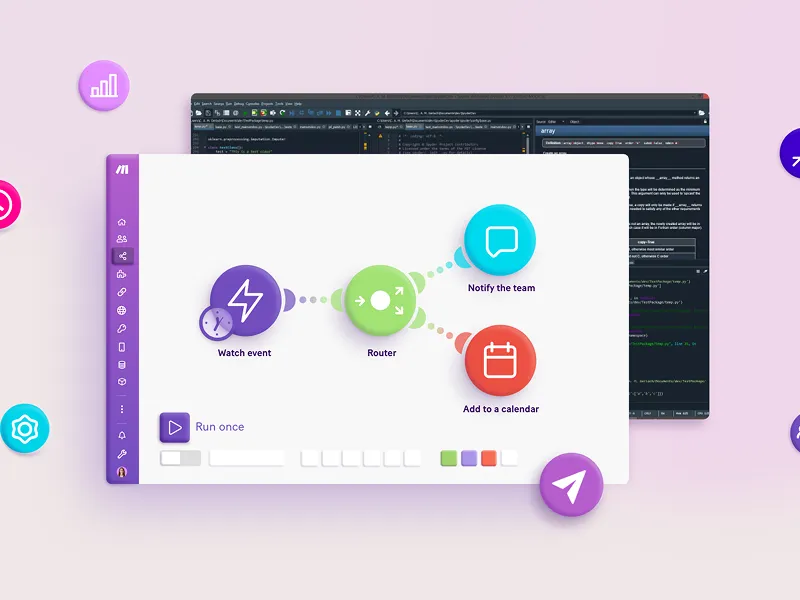
Buzzy AI Review: The Future of No-Code App Development

Discover 10 Best AI Stock Trading Bots (July 2025)
Descript vs Riverside: Which Video Editing Software Reigns Supreme in 2025?
TealHQ Review: Can This AI Tool Improve Your Job Search?
AI Content Creation
Read More >>
How to Use Slidesgo in 2025: A Step-by-Step Guide
Musicfy vs Kits AI: The Best AI Voice Song Showdown
VideoLeap vs CapCut: Choosing the Best AI Video Editor
How to Use Synthesys AI in 2024: Step-by-Step Tutorial
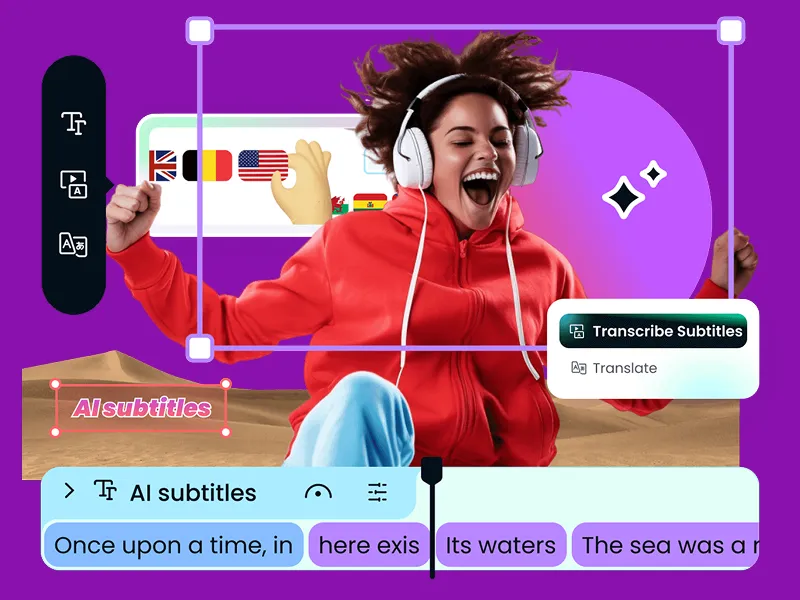
Submagic Review: Is It the Best AI Subtitle Generator?
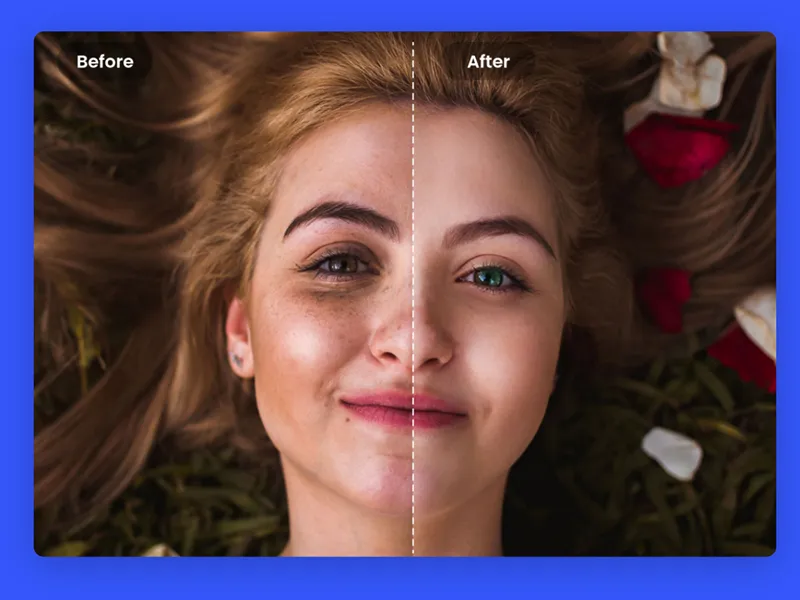
Fotor Review: Is It the Best Online Photo Editor for You?

Relevance AI Review: Can AI Agents Transform Workforce Efficiency?

TurboLearn AI Review 2025: Revolutionize Your Study Sessions with AI
AI Customer Support
Read More >>
Runway vs. Pika Labs: Which AI Video Tool is Right for You?
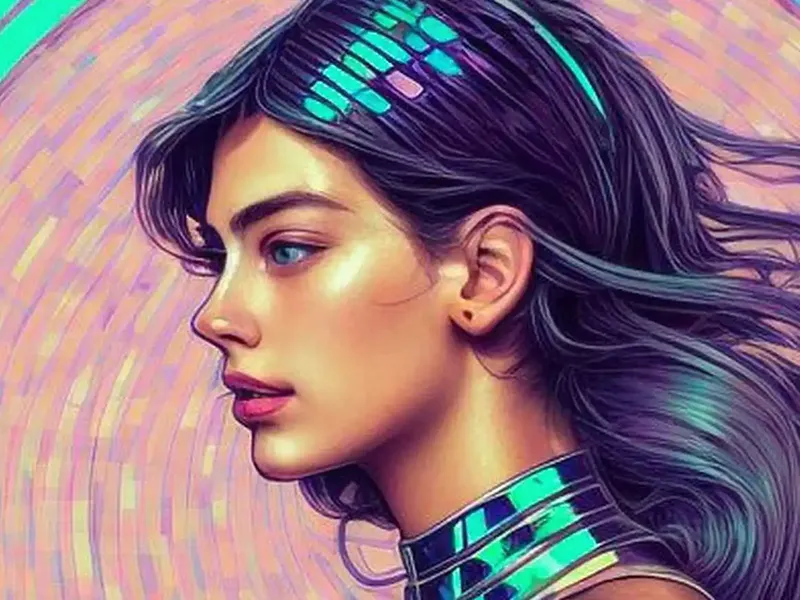
YouCam Perfect Review 2025 - Transform Your Photos With AI Magic
A Step-by-Step Guide on How to Use Pixlr in 2025
Secta Labs Review: Is This AI Headshot Generator Right for You?

How to Use Elicit: Master Research with Elicit in 2025

Character.AI Review: Unleashing the Future of Conversations

CHAI AI Review: Redefining Chat Experiences with Advanced AI

The Ultimate Guide to ChatOn - AI Chatbot Assistant
Your Complete Tool Directory
Kupid AI Review: Your Guide to Virtual Companionship and Meaningful Conversations
Introduction The way we interact with artificial intelligence is evolving rapidly, and Kupid AI is a...
Beacons AI Review: Is This the Best Marketing Tool?
Managing multiple social media links and ensuring followers reach the right content can feel overwhe...
Flexiquiz Review 2025: The Ultimate Online Quiz Maker
Creating quizzes doesn’t have to be a daunting task. Whether you’re a teacher needing to assess stud...
HyperWrite AI Review: Is It the Perfect AI Writing Assistant for You?
Introduction Struggling with writer's block or spending too much time refining your content? AI writ...
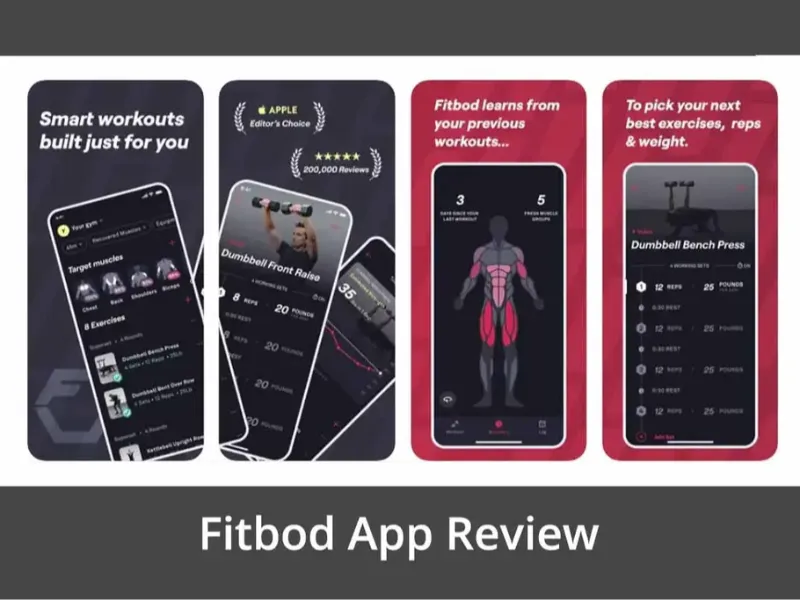
Fitbod Review: AI-Powered Fitness for Every Level
Introduction Looking to maximize your fitness routine but don’t know where to start? With countless ...
Musicfy vs Kits AI: The Best AI Voice Song Showdown
Creativity no longer requires mastering musical instruments or vocals thanks to AI-powered tools lik...

Air AI Review 2025: A Game-Changer for Customer Service
Introduction Struggling to keep up with endless customer support tickets and demanding clients? Imag...
How Many Images Can You Upload to DeepSeek?
Ever wondered how many images can you upload to DeepSeek at once? Whether you’re using this multimod...
Discover 10 Best AI Stock Trading Bots (July 2025)
Artificial Intelligence (AI) is reshaping the stock trading world with unmatched speed, accuracy, an...
Pika vs Kling: The Best AI Video Generators in 2025
Creating professional-looking videos was once an intensive task requiring costly equipment, advanced...

Lalal AI Review 2025: Best AI Audio Splitter for Musicians and Creators
Audio editing has often been associated with complex setups, specialized skills, and time-consuming ...
Mastering Writesonic: A Step-by-Step Guide for Content Marketers
Creating high-quality content at scale can be challenging, especially if you're trying to juggle SEO...
Runway vs Kling: Comparing the Top AI Video Generators
Choosing the best AI video generator can feel like navigating a maze of options, especially for thos...

CodePal Review: Can AI Really Simplify Coding?
The world of coding is evolving fast, and with the increasing demand for programmatic skills, tools ...